
The free TinkerCAD alternative that lives on your desktop
DaedalCAD is a 3D modeller for 3D printing. Stack simple shapes, cut holes with other shapes, round off the edges, and send the result to your slicer. It runs as a Windows program: no browser, no account, and no internet needed to design.
Downloads are on GitHub. Free and open source, for Windows 10 and 11 (64‑bit).
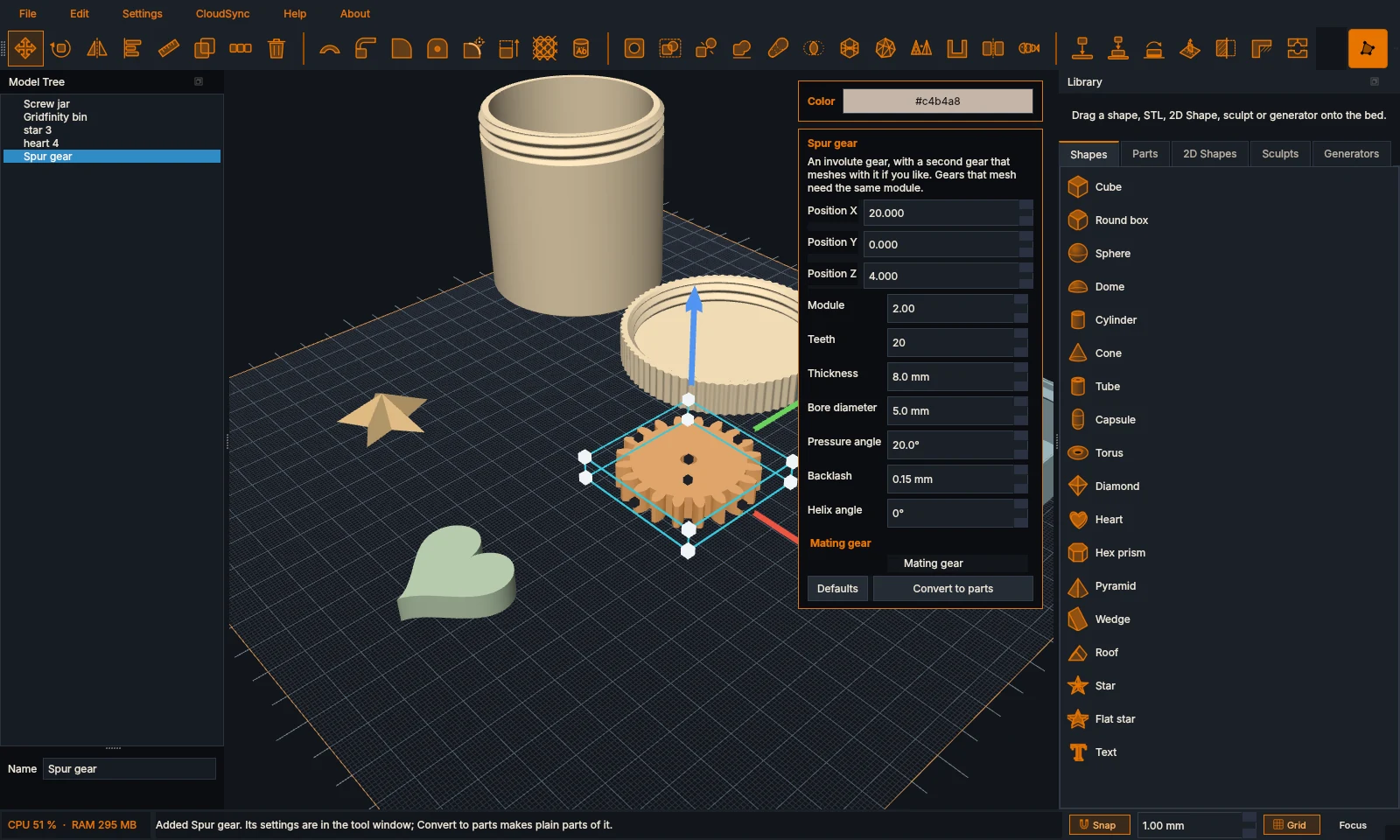
Start with a cube. End up with a part that fits.
Everything is in millimetres, with Z up, and made for printing: holes can take your printer's clearance, steep overhangs show up in red, and every result is a clean, closed solid your slicer accepts.
Model with shapes
Drag a shape onto the plate, then shape it into what you need.
- Shapes and holes
- Cubes, cylinders, spheres, stars, hearts, text and more. Any shape can be a hole, with clearance so a matching part fits.
- Workplanes
- Put one on any face, even a slanted one, and new parts stand upright on it.
- Line things up
- Align, mirror, measure, drop onto the bed or another part, and repeat with a move, spin and scale each time.
- Combine
- Group, merge, hull and intersect. Split a part with a plane, with pegs or a dovetail to put it back together.
- Threads and text
- ISO metric threads from M2 to M36, as rods or holes. Text in any font, straight or along a curve.
Shape tools
The things that take a part from blocky to finished.
- Fillets
- Round outside corners, the edges of a face you click, or the sharp edges found on anything, even imported STLs.
- Hollow and lattice
- Even walls, or a gyroid, honeycomb, Voronoi, sponge or bubble lattice, built in the background on every core.
- Texture and wrap
- Knurling, ribs, hexagons, wood grain, carbon weave or your own picture as real geometry. Wrap text or a logo onto a curved surface.
- Bend, twist and taper
- Bend a part into an arc or a closed ring, wring it, or make one end narrower.
- Articulate and mold
- Cut a part into print-in-place segments for a flexi dragon, or make a two-piece casting mould with a pour hole and keys.
Ready-made parts
Parametric parts that keep their settings, and real hardware sizes.
- Generators
- Boxes with lids, Gridfinity bins and baseplates, screw-top jars, enclosures, gears, hinges, springs, cable chains, lithophanes and more.
- Standard parts
- ISO and DIN screws, nuts, washers, pins and heat-set inserts from M2 to M24, each with its matching hole.
- Your libraries
- Your own parts, STLs, 2D shapes and sculpts, searchable by name or by tags you give them.
Out to your printer
And to other programs.
- STL, OBJ and 3MF
- One merged mesh, or every part as its own named, coloured object for multi-colour prints.
- STEP
- With true curved surfaces, for other CAD programs. STEP files can be imported too.
- Drawings
- Technical drawings with views, hidden lines, dimensions and a title block, as PDF, SVG, DXF or PNG.
- CloudSync
- Optional: back up projects to a sync server you host yourself, and share designs with your group.
Draw it flat, or sculpt it round
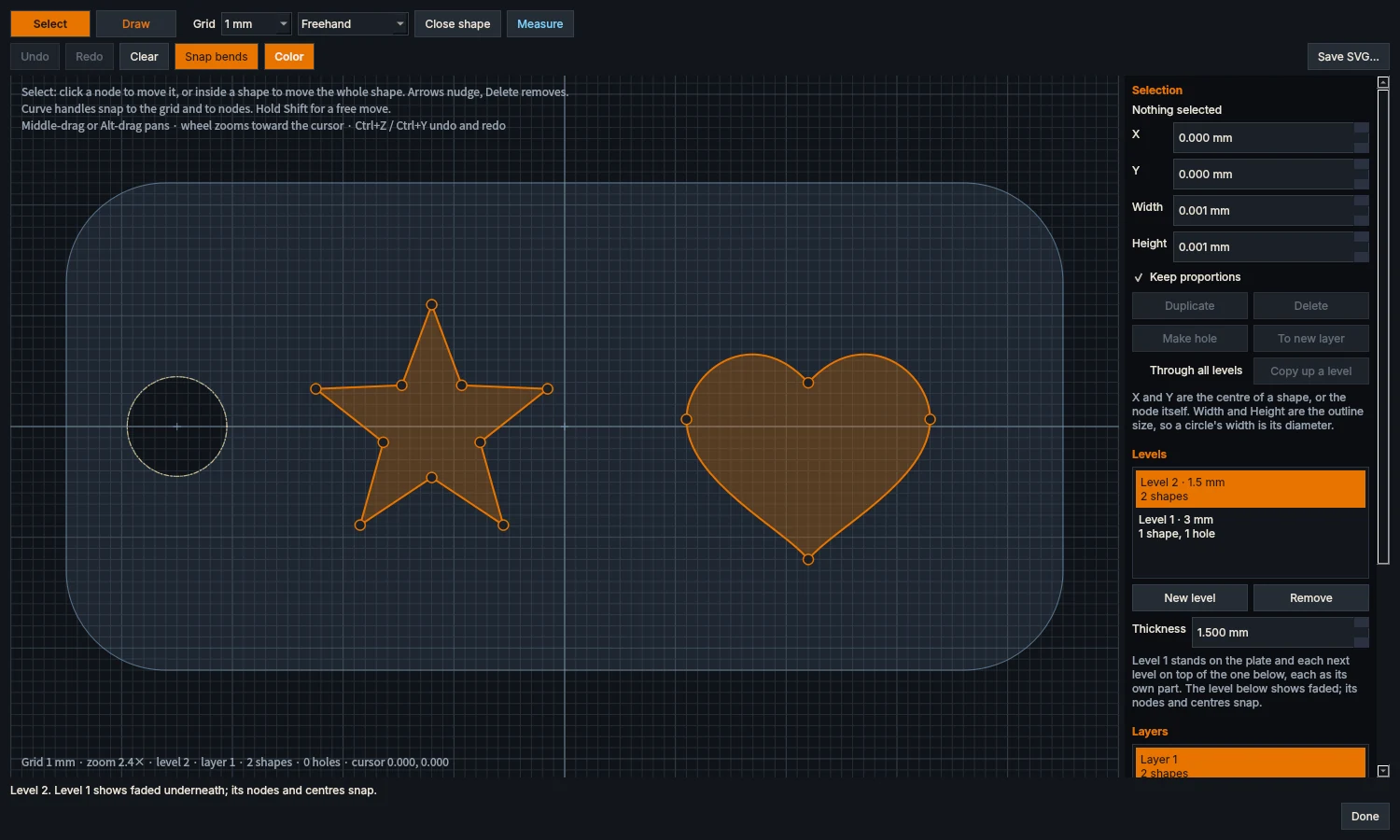
The 2D editor
Draw your own outlines and extrude them into parts: tags, stencils, logos, signs.
- Draw with nodes and smooth curves, or start from rectangles, circles and polygons.
- Holes, layers and levels: stack a raised star on a tag, every level its own thickness.
- Snap to the grid and to other nodes, and measure as you go.
- Shapes go into your 2D library. Change one later, and the parts you placed can follow.
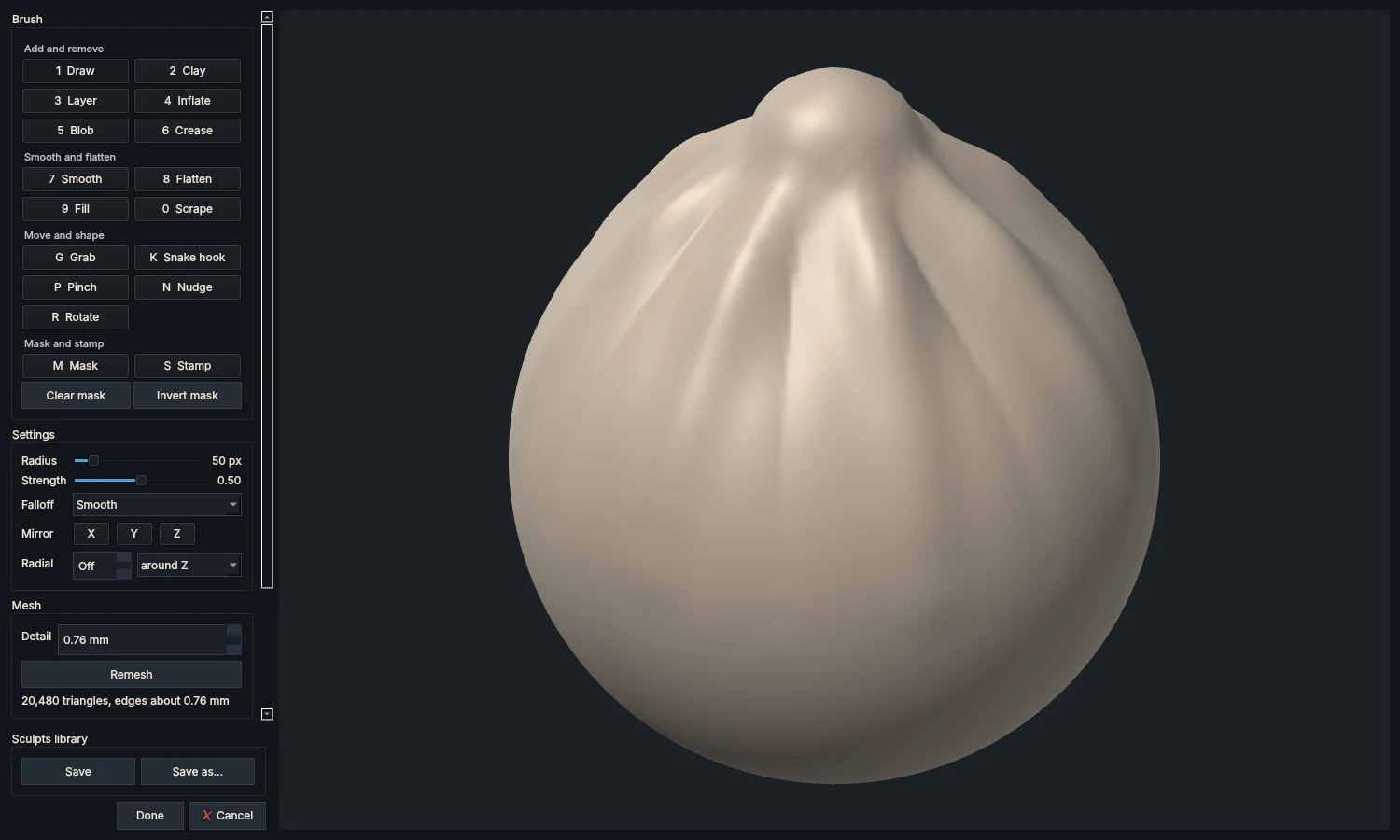
The Sculpt window
For parts that should look grown, not machined: push and pull the surface like clay.
- 17 brushes, from Draw, Clay and Inflate to Snake hook, Pinch and Stamp.
- Mirror and radial symmetry: one stroke, eight ridges.
- It always stays a closed, printable solid, and Remesh evens out the detail.
- Start from a ball, cube, cylinder, slab or capsule, or from any part on your plate.
Download
| Program | DaedalCAD | Version | |
|---|---|---|---|
| Runs on | Windows 10 and 11, 64-bit | Released | |
| Licence | GPL-3.0, free | Notes | What's new |
Windows may warn about an unknown publisher the first time. Choose More info, then Run anyway.
Want to build it yourself or host your own sync server? The build guide and the DaedalSync guide are on GitHub, with every release.
Say hi
Questions, ideas, a bug, or something you made with DaedalCAD? The Discord server is the place. The source code lives on GitHub.